✨ New Arrivals Just Dropped!Explore
Gillette Mens Sensor Cartridges 10 Count
Gillette Mens Sensor Cartridges 10 Count
To use the Gillette Sensor Men's Razor Blade Refills, first ensure the razor handle is clean and dry. Press the release button on the handle, allowing the used blade cartridge to be removed. Discard the used cartridge responsibly. Take a new cartridge from the Gillette Sensor Men's Razor Blade Refills package, align the cartridge with the razor handle, and gently push until it clicks into place. Ensure it is secure before using the razor for shaving.
Features
To use the Gillette Sensor Men's Razor Blade Refills, first ensure the razor handle is clean and dry. Press the release button on the handle, allowing the used blade cartridge to be removed. Discard the used cartridge responsibly. Take a new cartridge from the Gillette Sensor Men's Razor Blade Refills package, align the cartridge with the razor handle, and gently push until it clicks into place. Ensure it is secure before using the razor for shaving.
Features
- Works With Sensor Excel Razor
- Chromium Coating
- Long-Lasting Blades
MPN: 565644
UPC:047400115057
Product Information
Product Information
Shipping & Returns
Shipping & Returns
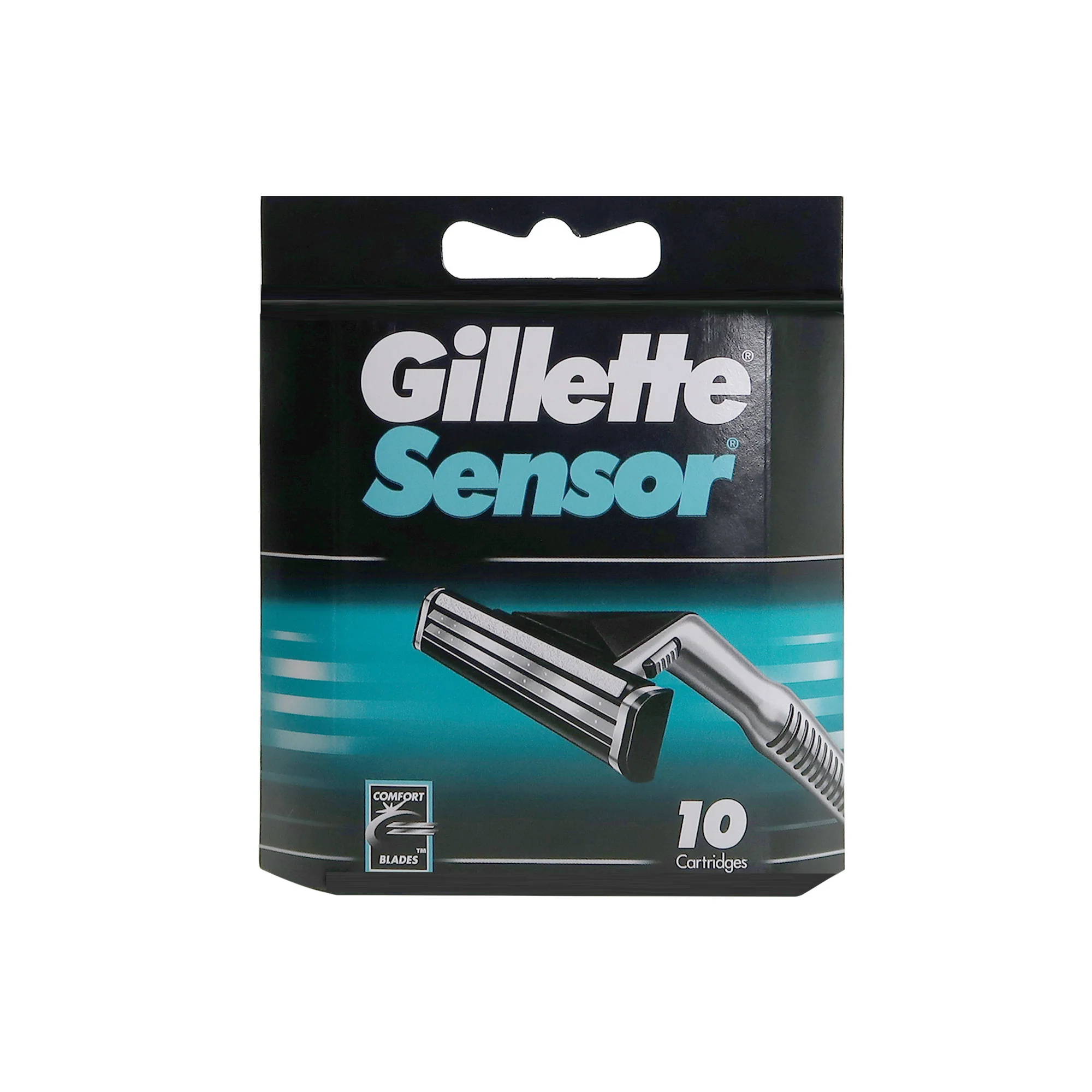
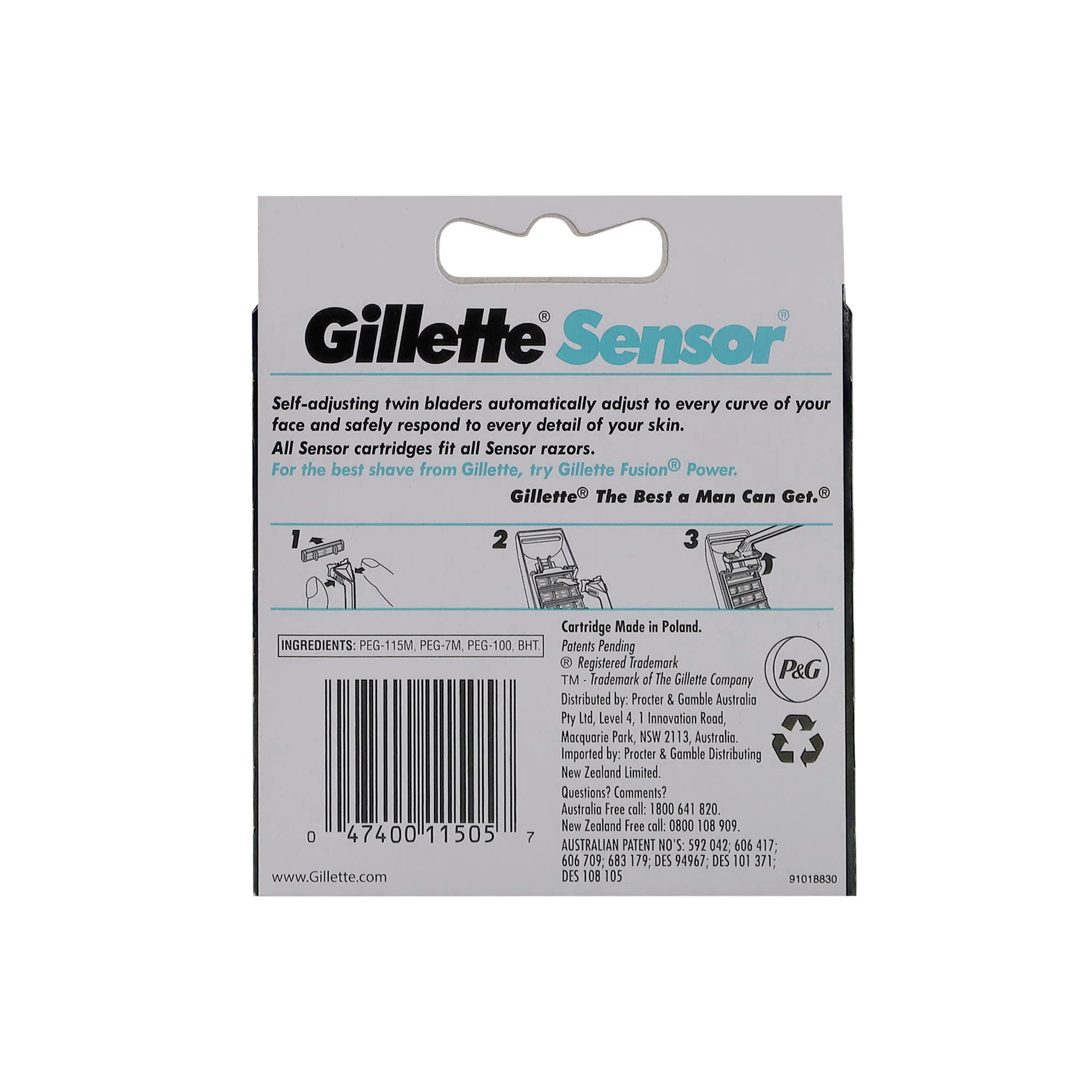
Gillette Mens Sensor Cartridges 10 Count
Gillette Mens Sensor Cartridges 10 Count
Gillette Mens Sensor Cartridges 10 Count
To use the Gillette Sensor Men's Razor Blade Refills, first ensure the razor handle is clean and dry. Press the release button on the handle, allowing the used blade cartridge to be removed. Discard the used cartridge responsibly. Take a new cartridge from the Gillette Sensor Men's Razor Blade Refills package, align the cartridge with the razor handle, and gently push until it clicks into place. Ensure it is secure before using the razor for shaving.
Features
To use the Gillette Sensor Men's Razor Blade Refills, first ensure the razor handle is clean and dry. Press the release button on the handle, allowing the used blade cartridge to be removed. Discard the used cartridge responsibly. Take a new cartridge from the Gillette Sensor Men's Razor Blade Refills package, align the cartridge with the razor handle, and gently push until it clicks into place. Ensure it is secure before using the razor for shaving.
Features
- Works With Sensor Excel Razor
- Chromium Coating
- Long-Lasting Blades
MPN: 565644
UPC:047400115057
$5.60
Original: $15.99
-65%Gillette Mens Sensor Cartridges 10 Count—
$15.99
$5.60Product Information
Product Information
Shipping & Returns
Shipping & Returns
Description
Gillette Mens Sensor Cartridges 10 Count
To use the Gillette Sensor Men's Razor Blade Refills, first ensure the razor handle is clean and dry. Press the release button on the handle, allowing the used blade cartridge to be removed. Discard the used cartridge responsibly. Take a new cartridge from the Gillette Sensor Men's Razor Blade Refills package, align the cartridge with the razor handle, and gently push until it clicks into place. Ensure it is secure before using the razor for shaving.
Features
To use the Gillette Sensor Men's Razor Blade Refills, first ensure the razor handle is clean and dry. Press the release button on the handle, allowing the used blade cartridge to be removed. Discard the used cartridge responsibly. Take a new cartridge from the Gillette Sensor Men's Razor Blade Refills package, align the cartridge with the razor handle, and gently push until it clicks into place. Ensure it is secure before using the razor for shaving.
Features
- Works With Sensor Excel Razor
- Chromium Coating
- Long-Lasting Blades
MPN: 565644
UPC:047400115057